
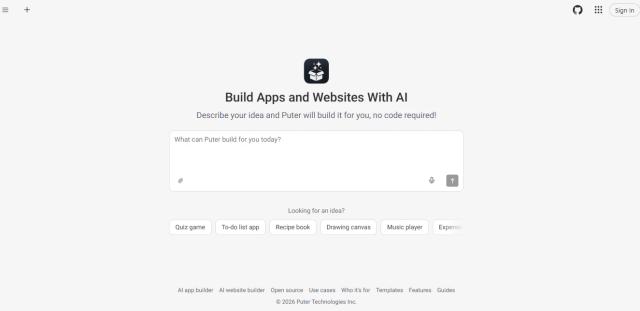
Founded by Nariman Jelveh, Puter started as an open-source project with a goal of bringing a complete computer experience to the web browser, making digital tools more accessible without depending on traditional software installations. Its AI Builder takes this idea further by allowing users to create websites and fully working web apps simply by describing what they want in plain English. The platform uses AI to generate the design, write the code, set up the backend, and display the result in a live preview. Users can also make changes through simple chat instructions, click on individual elements to edit them, fix errors automatically, and publish their projects with a single click. What makes Puter appealing is its beginner-friendly approach, built-in backend services, free hosting, downloadable source code, and the freedom to create without writing code. It is especially useful for beginners, entrepreneurs, developers, and anyone who wants to turn an idea into a working app quickly.
Founded by Nariman Jelveh, Puter started as an open-source project with a goal of bringing a complete computer experience to the web browser, making digital tools more accessible without depending on traditional software installations. Its AI Builder takes this idea further by allowing users to create websites and fully working web apps simply by describing what they want in plain English. The platform uses AI to generate the design, write the code, set up the backend, and display the result in a live preview. Users can also make changes through simple chat instructions, click on individual elements to edit them, fix errors automatically, and publish their projects with a single click. What makes Puter appealing is its beginner-friendly approach, built-in backend services, free hosting, downloadable source code, and the freedom to create without writing code. It is especially useful for beginners, entrepreneurs, developers, and anyone who wants to turn an idea into a working app quickly.
 Canada
TOP 5
Recommended tools of the day
 LATEST 5
AI Tools